What’s new in Tencil
New features and fixes, release by release. See what you can do with each version and how to use it.
Write instructions once and send them to the agent with every new pin.
- A new Instructions page in settings
- Instructions for all your projects, or for one
Allow a site that isn’t on localhost from the overlay, without restarting the daemon.
- Allow a new site from the overlay in one click
- What’s new opens the release’s page on tencil.dev
Resolve finished pins together in the inbox without opening each thread.
- One click to resolve the done pins in your list
- Keyboard shortcuts still work after you record a new one
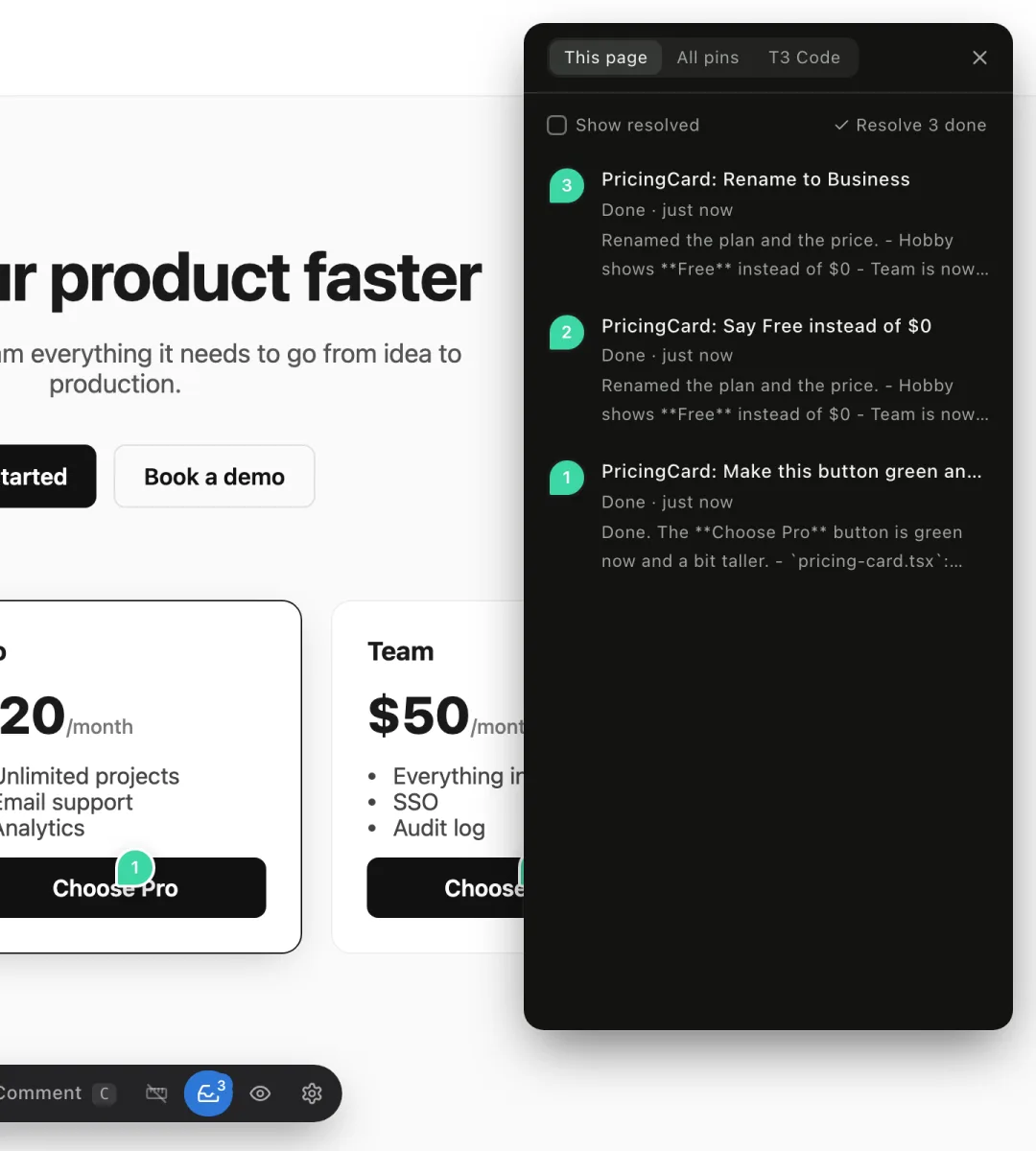
All three pins in this list are done. Resolve 3 done resolves them together. Use your existing Codex install and login to work on pins and resume their threads in your terminal.
- Choose Codex alongside T3 Code, Claude Code and Ensemble
- Continue a pin’s Codex thread in the terminal
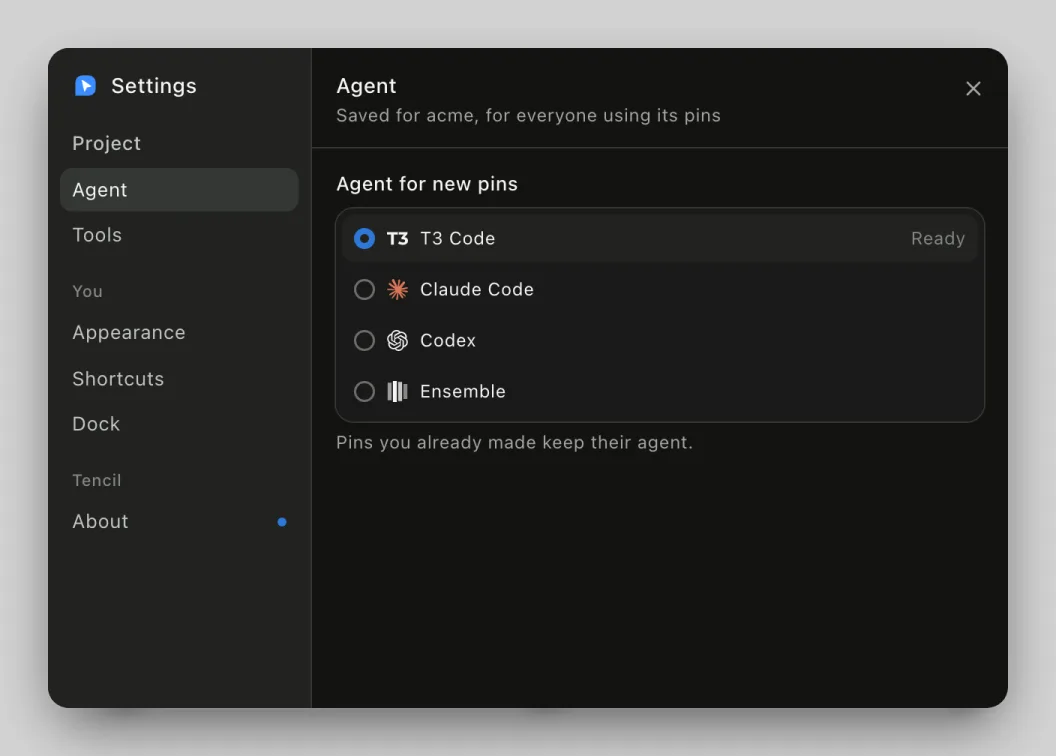
Choose an agent for new pins in the project’s settings. Existing pins keep their agent. Find settings in a new dialog, change your shortcuts and theme, or hide Tencil on a site.
- Separate pages for project settings and your preferences
- Dark, light and system themes
- Custom shortcuts and Alt+T to hide the dock
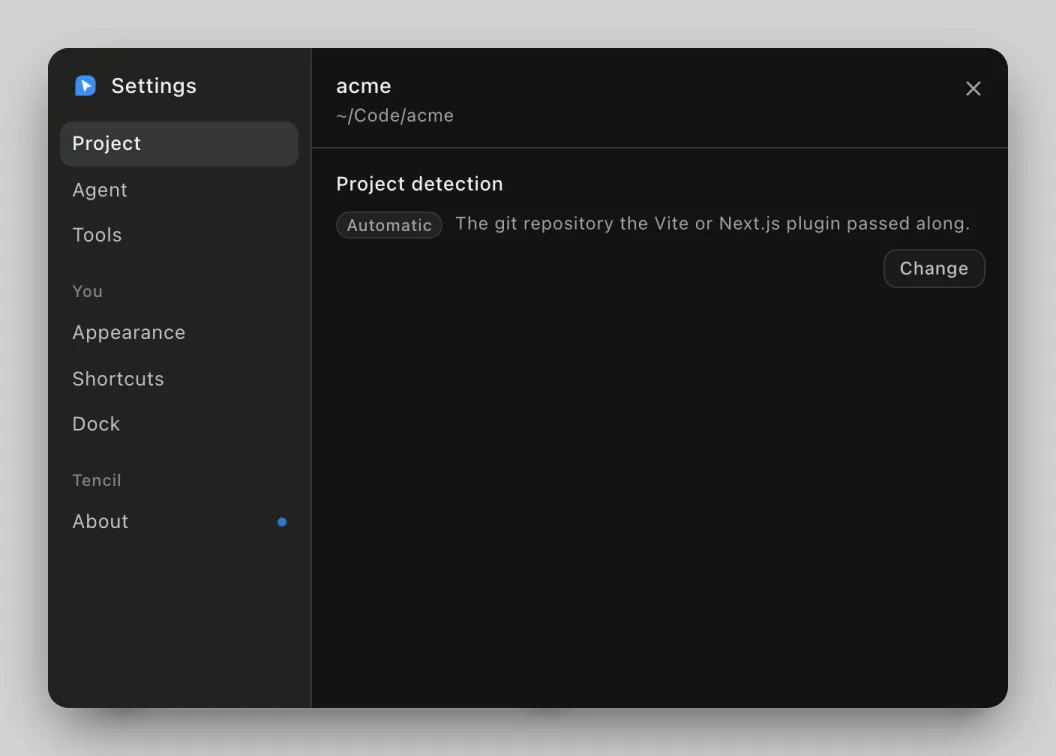
The Project page shows the folder Tencil detected and a Change button to choose another project. Send each pin to an Ensemble chat and connect pages to the project currently running on their port.
- Work on pins through Ensemble’s local API
- Find the current project when a dev server port is reused
Choose an agent for new pins in the project’s settings. Existing pins keep their agent. Update from the overlay and let Tencil find projects running in Docker or behind a backend server.
- Get notified of new versions and update in settings
- Detect projects running in Docker
- Find projects from the Vite plugin or withTencil git root
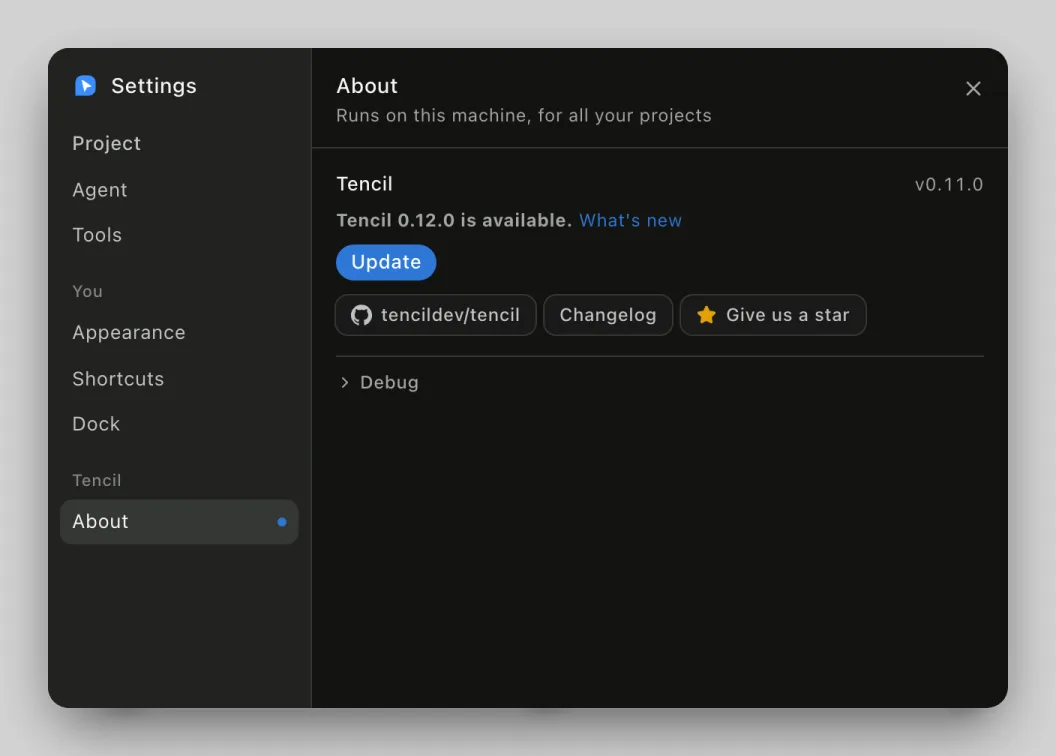
About shows the installed version and an Update button when a newer version is available. Measure an element’s spacing and send the numbers to your agent with your comment.
- See padding, margins, gaps and their Tailwind classes
- Hold Alt to measure distances and Alt-click to include them
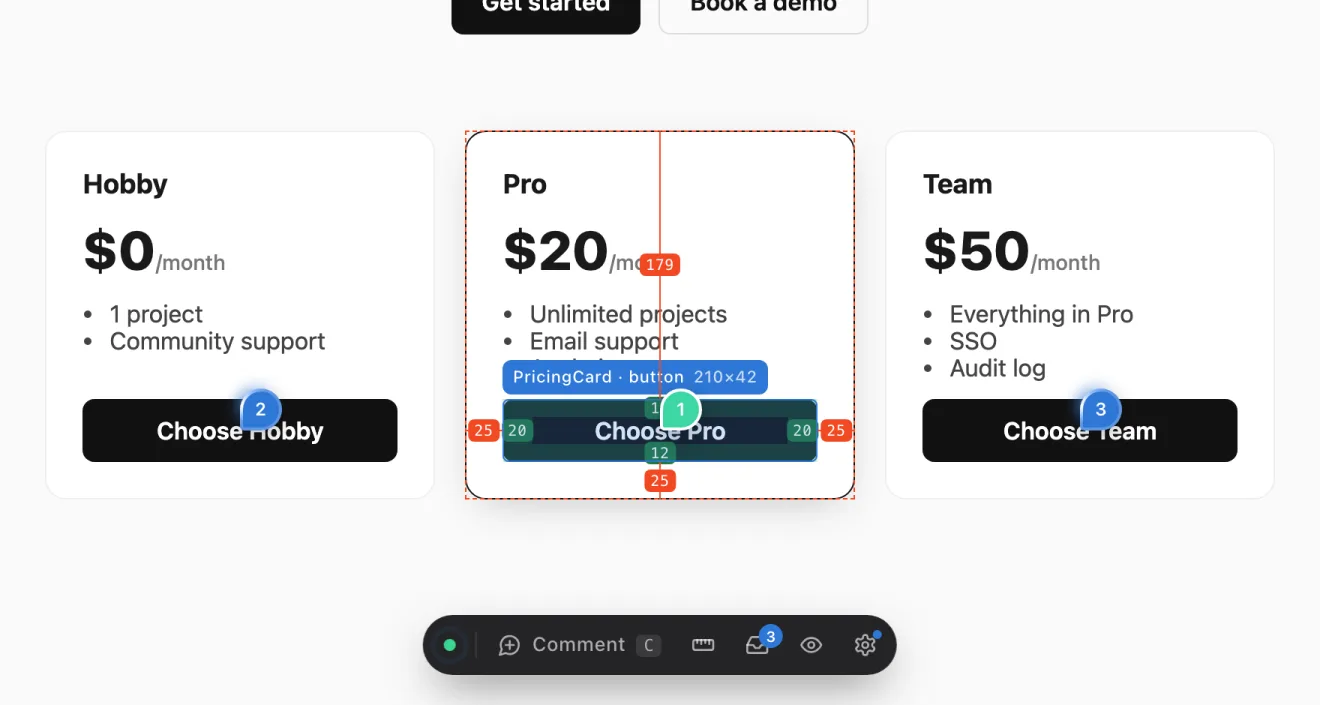
The red guides measure the button’s distance from its parent’s edges. See accurate T3 Code approval and question states, with new animations for working and resolved pins.
- New animations when pins appear, work and resolve
- Accurate approval and question states for T3 Code
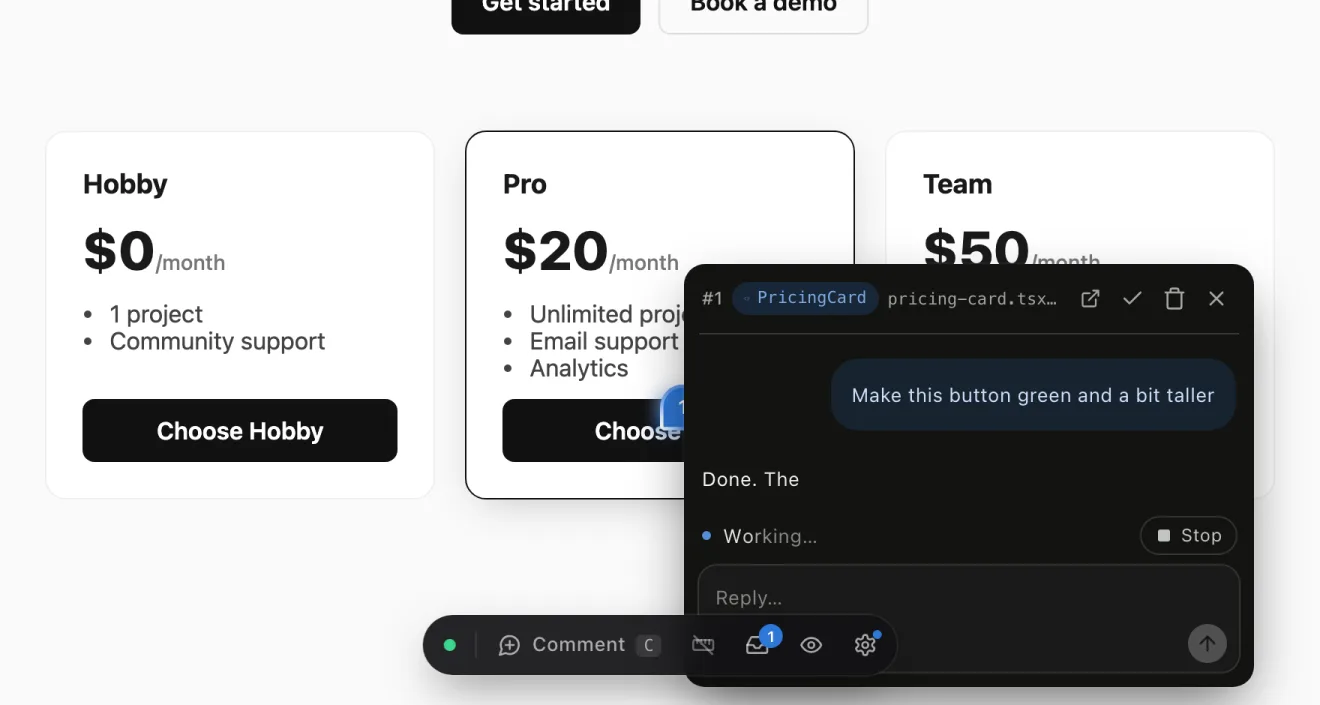
The agent’s reply is still arriving. Working… and Stop appear below it. Give agents source locations on Tencil Cloud previews and follow a run’s steps from its pin.
- Include file, line and component details on previews
- Follow cloud runs from sandbox startup to push
Load the overlay from Tencil Cloud on preview deployments by setting a project key.
- Set TENCIL_CLOUD in your preview environment
- Read build details from Vercel, Netlify, Cloudflare Pages or GitHub Actions
Send several comments as one thread, choose the agent and model, and move pins to another element.
- Queue comments and send them as one conversation
- Choose an agent and model before sending
- Move pins and follow streaming replies
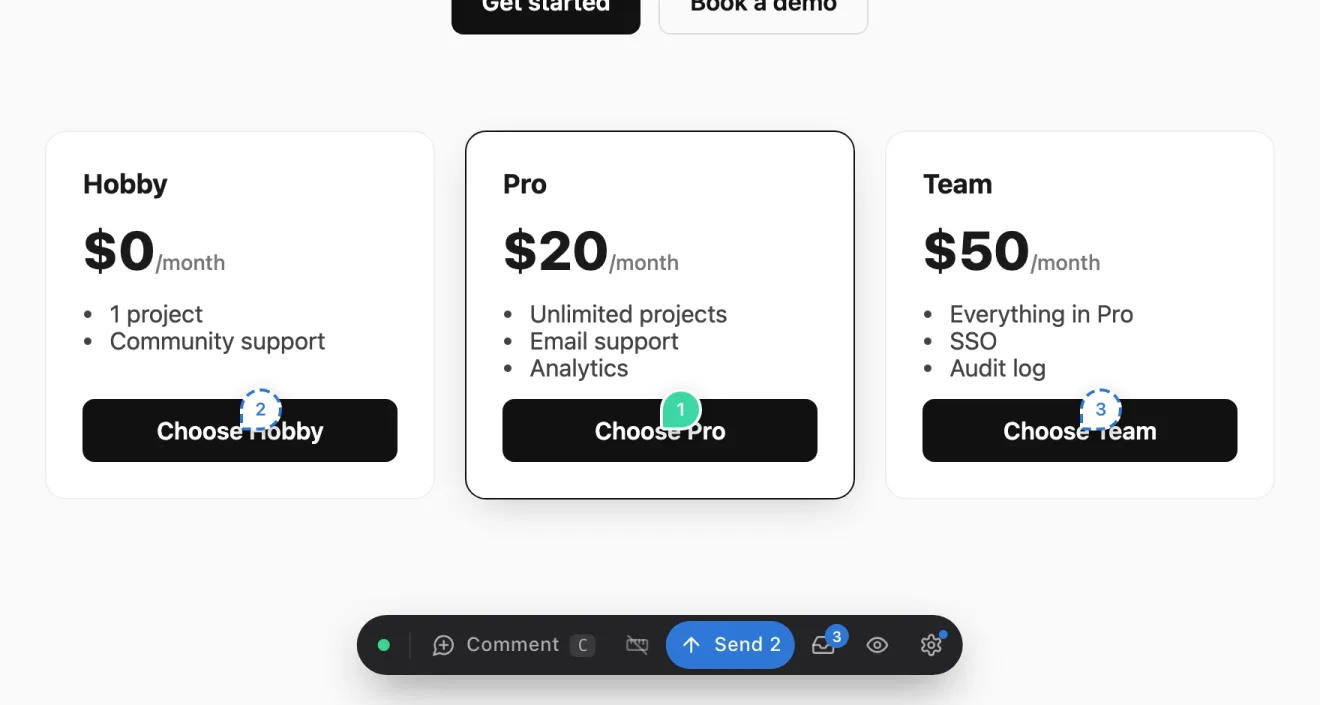
Two dashed pins mark queued comments. Send 2 sends them together. Keep a newer daemon or login service when npx runs an older cached version of Tencil.
- Prevent an older cached version from replacing a newer install
- See update notices during setup and startup
Start the daemon with your shell’s PATH and config folder, and pair successfully in more setups.
- Use your shell’s PATH and XDG_CONFIG_HOME at login
- Pick up later pairings and support npx --package
Tencil’s first public release: set up with npx tencil and send pins to Claude Code or T3 Code.
- Set up your machine and project with
npx tencil - Work on pins with your Claude Code login
- Save an agent choice for each project
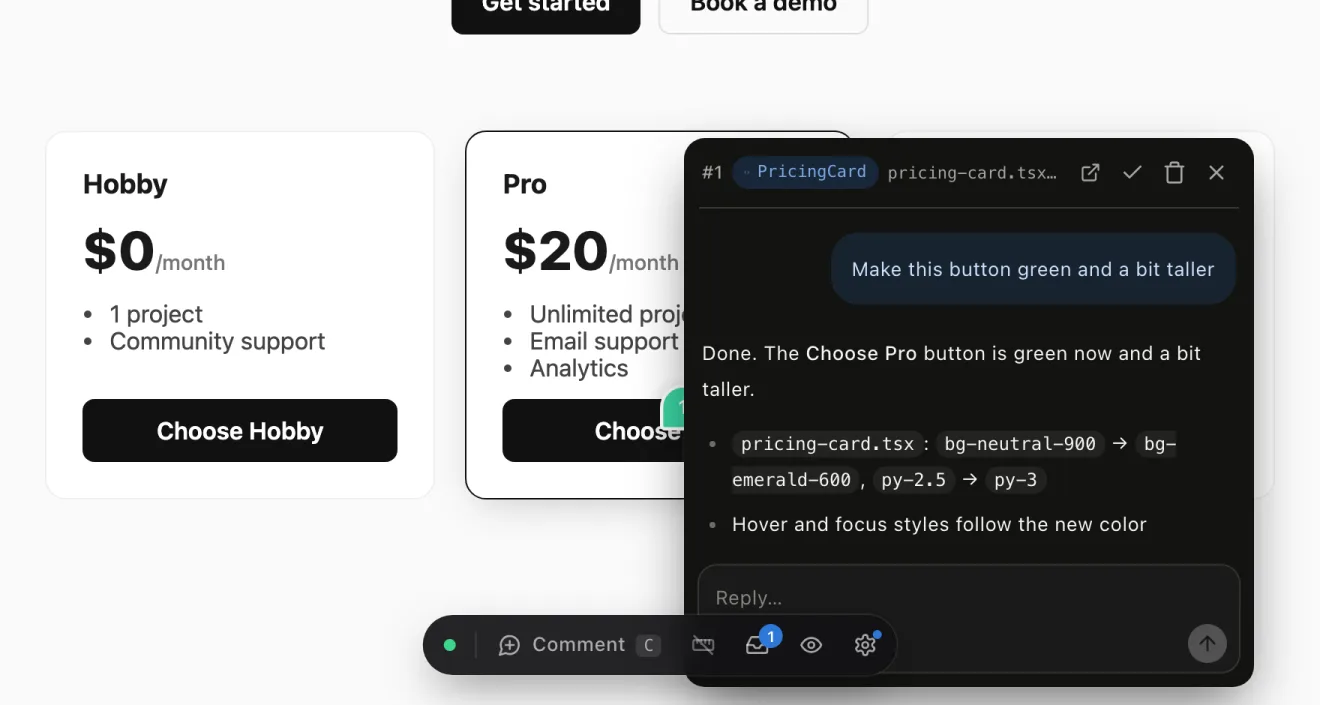
The thread shows your request and the agent’s reply, including the file and classes it changed. - Set up your machine and project with