Tencil 0.9.0: send pins to Ensemble
Send each pin to an Ensemble chat and connect pages to the project currently running on their port.
Work on pins in Ensemble
You can now use Ensemble as your agent. Keep the Ensemble app running and allow Tencil when it pairs through Ensemble’s public local API.
Tencil matches pages to Ensemble threads by dev server port, including forwarded ports. Each pin gets a separate chat on the same checkout. For pages served from an Ensemble project’s own folder, resolving a pin archives its thread and reopening the pin reopens it. Messages and tool steps stream onto the pin through a shared feed that resumes after a disconnect.
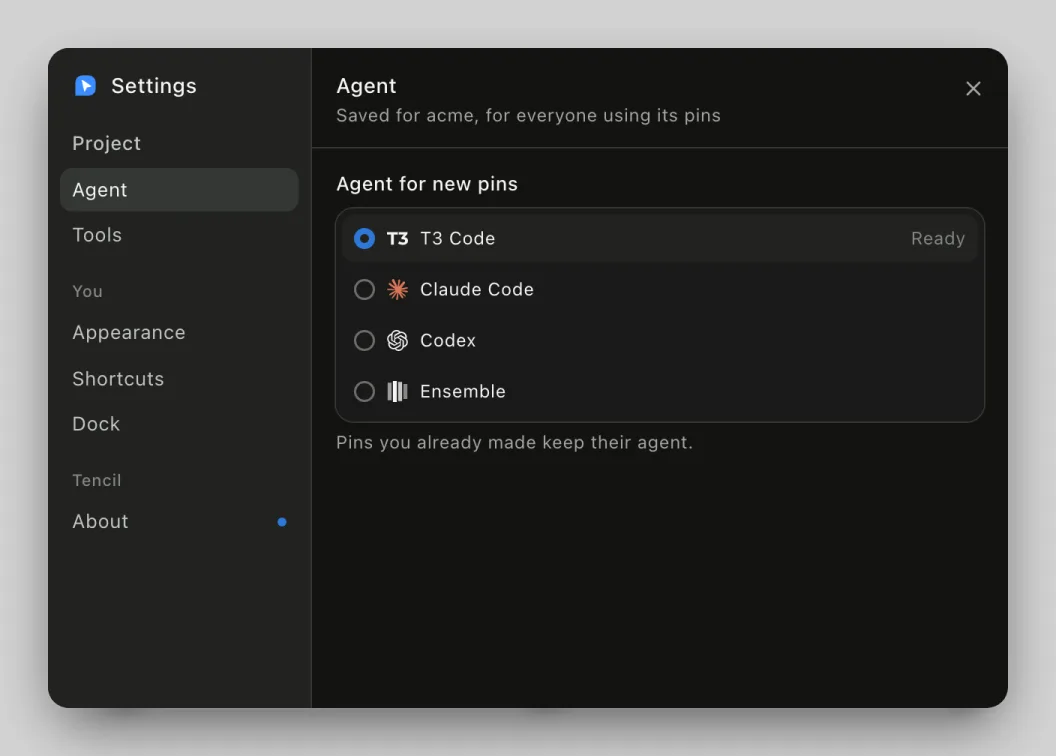
Connect to the project running on the port
When you reuse an address for another app, Tencil now follows the dev server running there. A previously selected folder no longer takes priority, so a second Vite app on port 5173 won’t send pins to the first app’s folder.
On Windows, project detection also finds dev servers listening on IPv6 ([::1]), which Vite uses for localhost.
Install or update Tencil
Run npx tencil in your project to get started. To update an existing install, run the command below. On Tencil 0.8.0 or later, you can also update from the overlay’s settings (About in 0.10.0 or later).
terminal
npx tencil@latest setup