Tencil 0.10.0: customize shortcuts and appearance
Find settings in a new dialog, change your shortcuts and theme, or hide Tencil on a site.
Find settings by project or preference
The settings dialog now has separate pages. Project settings include Agent and Tools. Your preferences include Appearance, Shortcuts, Dock and Account. About has repository links and debug details you can copy into a bug report.
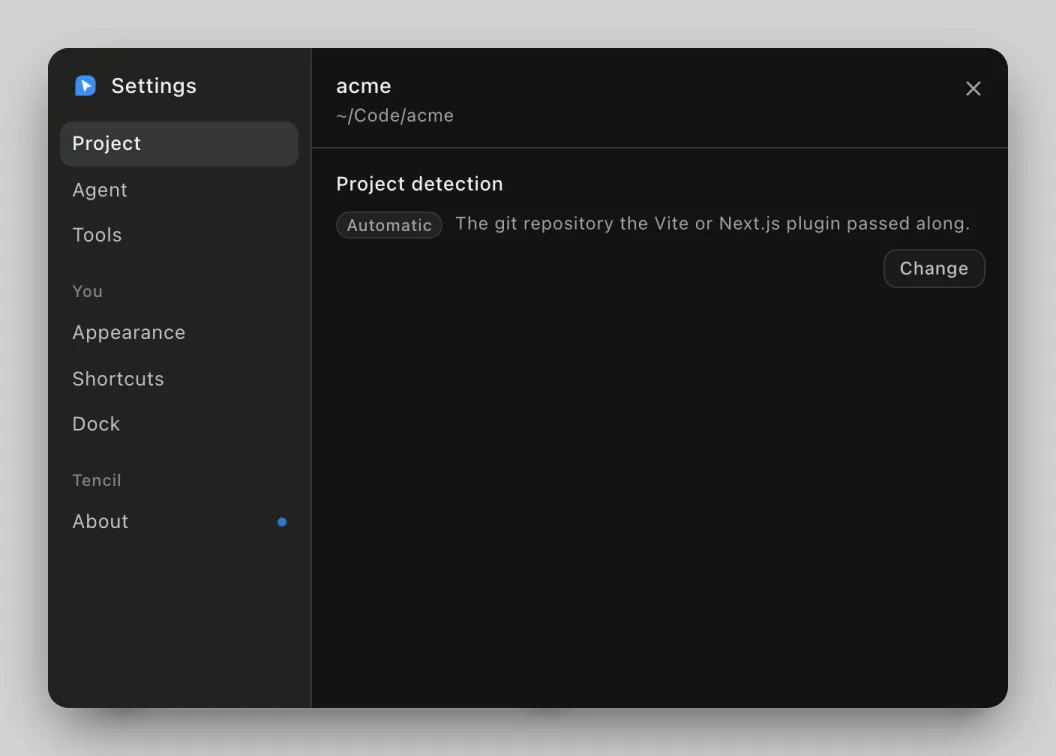
Settings opens on the Project page, showing the project’s name, folder and how Tencil found it. Click Change to choose another project. Tencil remembers that choice while it detects the same project at that address, so reusing a port for another app doesn’t keep the old selection.
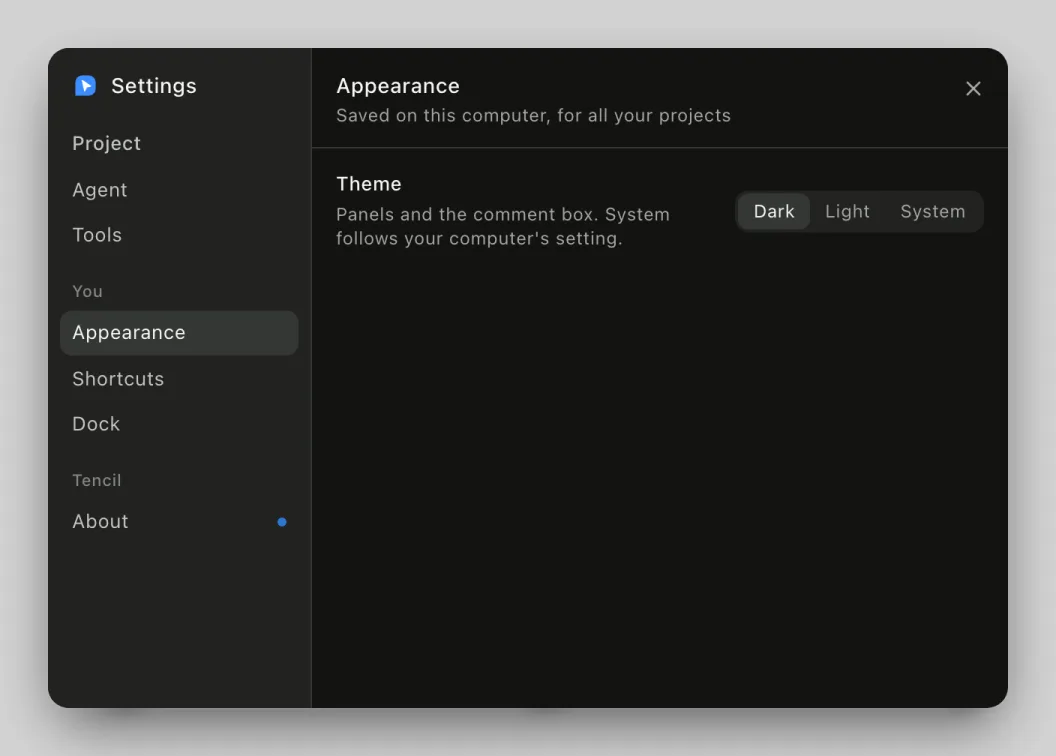
Choose a theme for all your projects
Tencil now uses a dark theme by default. Open Appearance to choose Light or follow your system’s theme.
The daemon saves your theme and shortcuts in preferences.json. They apply across projects and browsers on your machine.
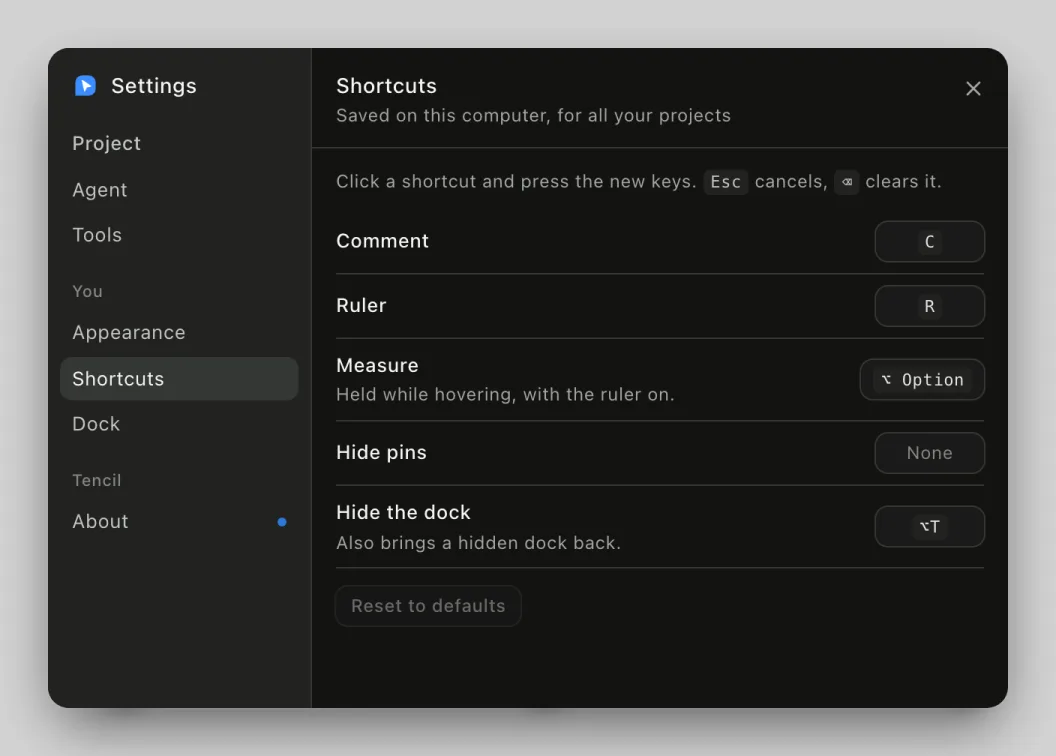
Set your own keyboard shortcuts
Open Shortcuts, click a shortcut and press the keys you want to use. You can change Comment, Ruler, Measure (the held key), Hide pins and Hide the dock. Hide pins has no shortcut by default. Tooltips and hints show your chosen keys.
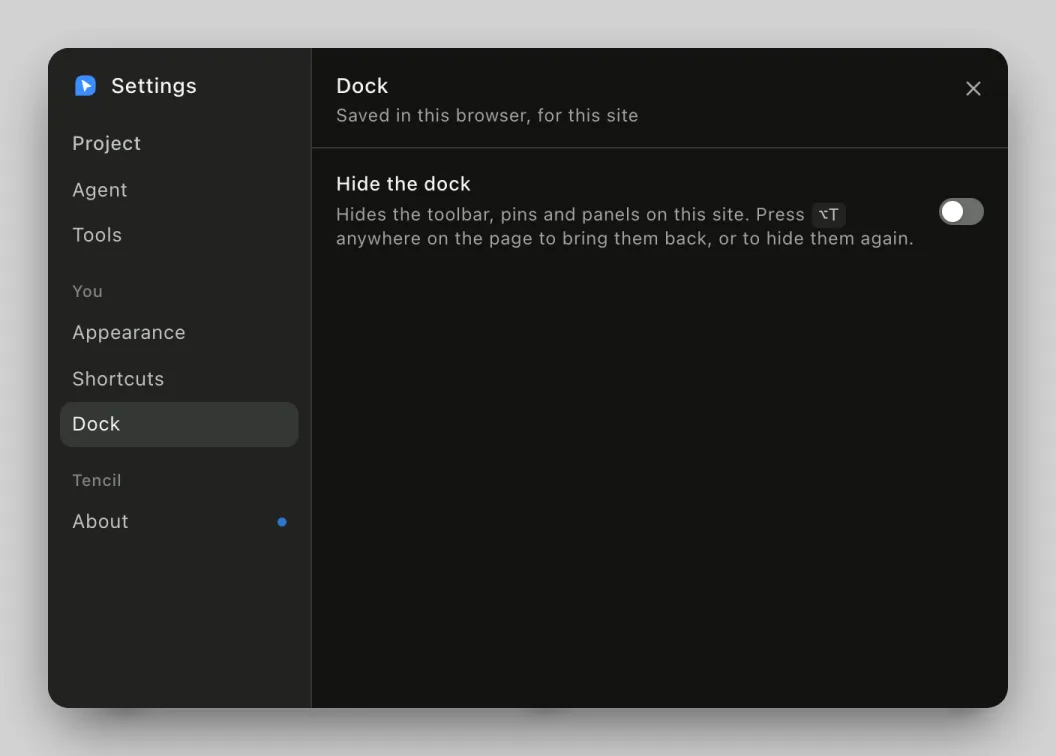
Hide the dock on a site
Use Hide the dock in Dock settings to hide the toolbar, pins and panels on a site. Press Alt+T (⌥T on a Mac) to bring them back or hide them again.
Install or update Tencil
Run npx tencil in your project to get started. To update an existing install, run the command below. On Tencil 0.8.0 or later, you can also update from the overlay’s settings (About in 0.10.0 or later).
terminal
npx tencil@latest setup