Tencil 0.11.0: send pins to Codex
Use your existing Codex install and login to work on pins and resume their threads in your terminal.
Use Codex with your existing login
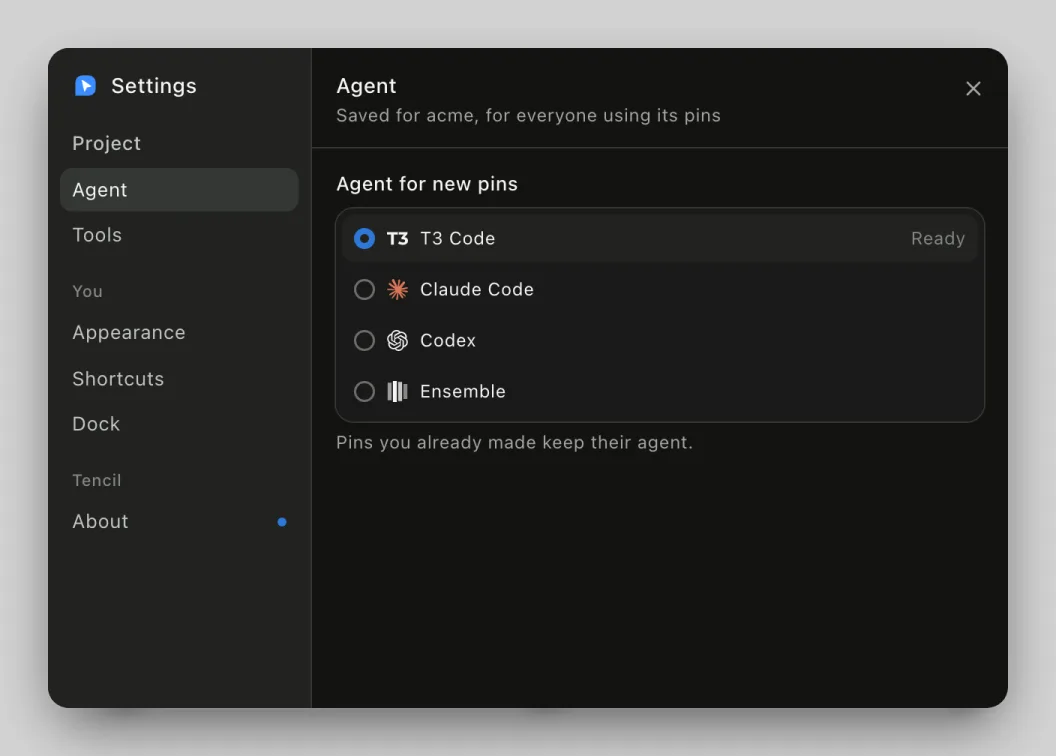
Send pins directly to Codex. Tencil runs codex app-server using your installed CLI or the copy in the Codex desktop app, under your existing login.
Choose Codex with --provider codex during setup or in a project’s settings. Set the model with --model or the comment box’s model picker, and permissions with --runtime-mode.
terminal
npx tencil setup --provider codexContinue a pin in your terminal
Each pin creates a Codex thread. Reply on the page or use codex resume <id> to continue the same conversation in your terminal.
terminal
codex resume <id>More changes
- Test Codex integrations with
FakeCodexAppServer, now included in@tencildev/testing.
Install or update Tencil
Run npx tencil in your project to get started. To update an existing install, run the command below. On Tencil 0.8.0 or later, you can also update from the overlay’s settings (About in 0.10.0 or later).
terminal
npx tencil@latest setup