Tencil 0.3.0: set up and choose your agent
Tencil’s first public release: set up with npx tencil and send pins to Claude Code or T3 Code.
Tencil’s first public release
Tencil’s first public release ships npx tencil, tencil/react (<Tencil />), tencil/vite and tencil.dev. Click an element in your running app and describe the change for your coding agent.
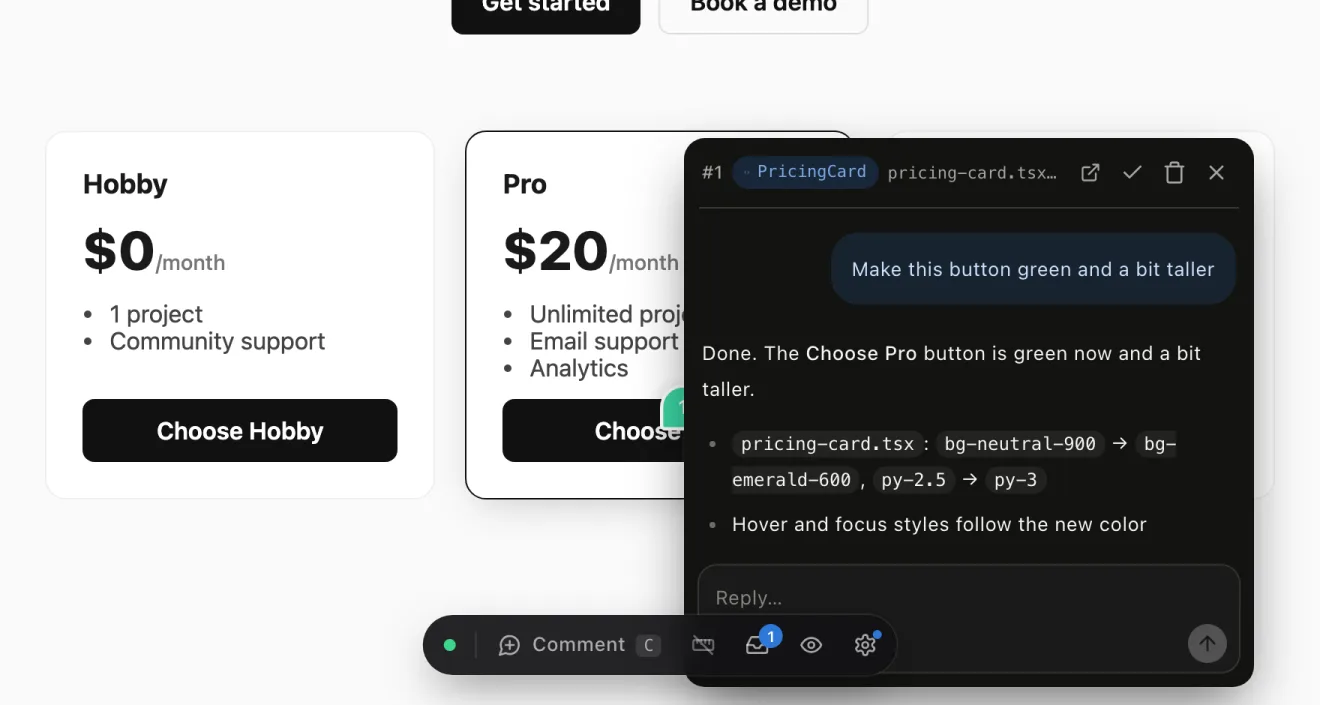
Set up your machine and project in one command
Run npx tencil in your project. The first run sets up your machine and asks whether to start at login, then adds Tencil to the current project. In a monorepo root, it lists the apps it finds. init skips reinstalling tencil if the project already depends on it.
Login services using a port other than 4747 get their own name and runtime copy, keeping them separate from the default service. service uninstall removes that copy.
terminal
cd your-app
npx tencil
Send pins to Claude Code
Use Claude Code as an alternative to T3 Code. Setup detects which is installed and asks you to choose only if it finds both or neither. Use --provider to choose up front.
Tencil runs Claude Code through the Claude Agent SDK under your existing login, in the repository root. Each pin becomes a Claude Code session, and the inbox lists the project’s sessions. Use --runtime-mode for permission modes and --model for a plain model name.
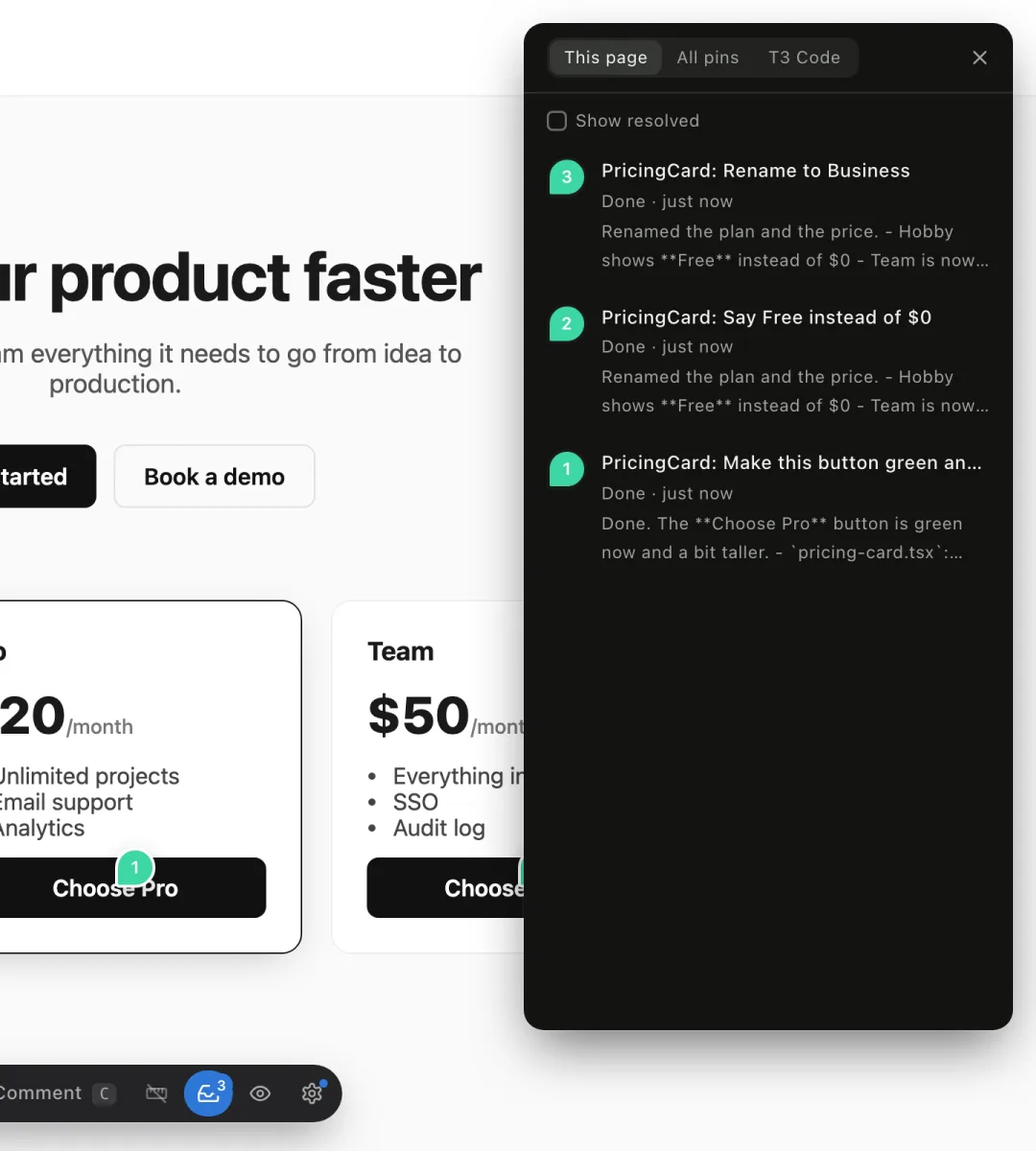
terminal
npx tencil setup --provider claude-codeChoose an agent for each project
Open settings from the toolbar’s gear to switch the project’s agent. Tencil also offers settings when the current agent isn’t running. Your choice applies to new pins; existing pins keep their agent. The project picker lists projects from both agents.
More changes
- Search the “Which project is this page?” picker and press Enter to choose the first match.
- Resolving a thread now closes its panel.
Install or update Tencil
Run npx tencil in your project to get started. To update an existing install, run the command below. On Tencil 0.8.0 or later, you can also update from the overlay’s settings (About in 0.10.0 or later).
terminal
npx tencil@latest setup