Tencil 0.13.0: allow sites beyond localhost
Allow a site that isn’t on localhost from the overlay, without restarting the daemon.
Allow a site from the overlay
When the daemon refuses a page that isn’t on localhost, the overlay now says so and offers Allow. It opens a confirmation page served by the daemon itself, so only you can approve the site.
Allowed sites are saved in allowed-origins.json in Tencil’s data folder, next to the ones you pass with --allow-origin. The protocol adds an origin.blocked server message for it.
terminal
npx tencil start --allow-origin http://devbox:3000Read release notes on tencil.dev
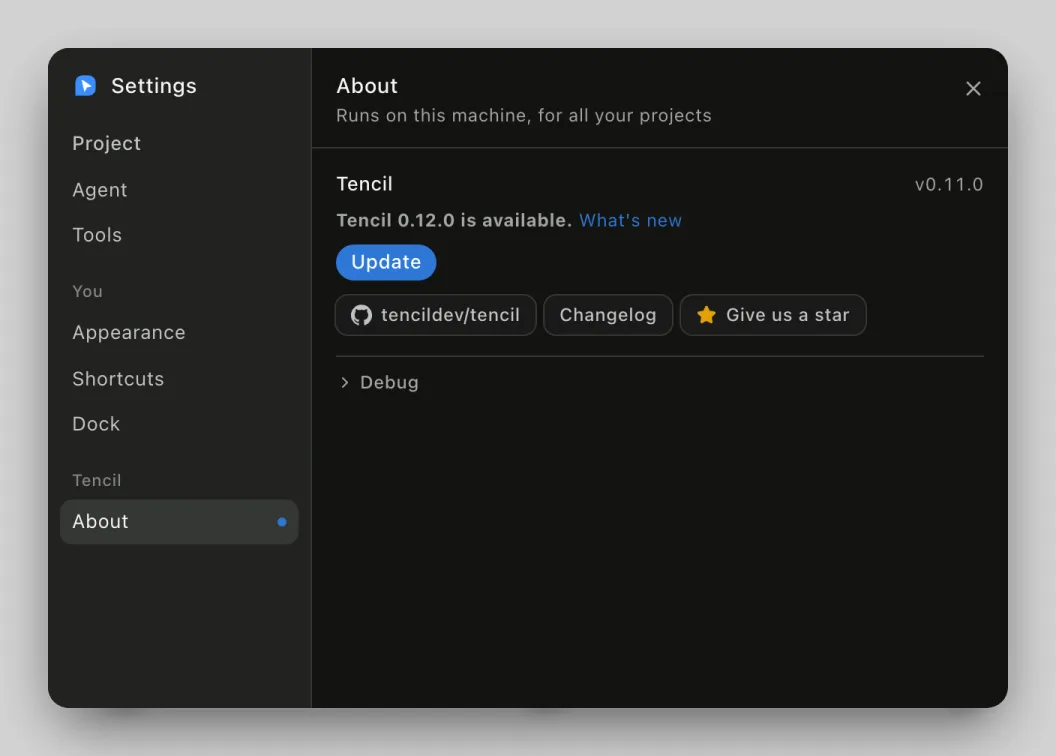
What’s new in Settings → About opens that release’s page in this changelog, and the Changelog link opens the changelog here instead of the CHANGELOG.md on GitHub.
More changes
- Codex no longer closes for being idle while Tencil is still starting a thread or waiting on its answer.
FakeCodexAppServergetsanswerDelayMsto answer slowly, like a busy machine. - The overlay’s status card shows the current Tencil mark, as on tencil.dev.
Install or update Tencil
Run npx tencil in your project to get started. To update an existing install, run the command below. On Tencil 0.8.0 or later, you can also update from the overlay’s settings (About in 0.10.0 or later).
terminal
npx tencil@latest setup